Description
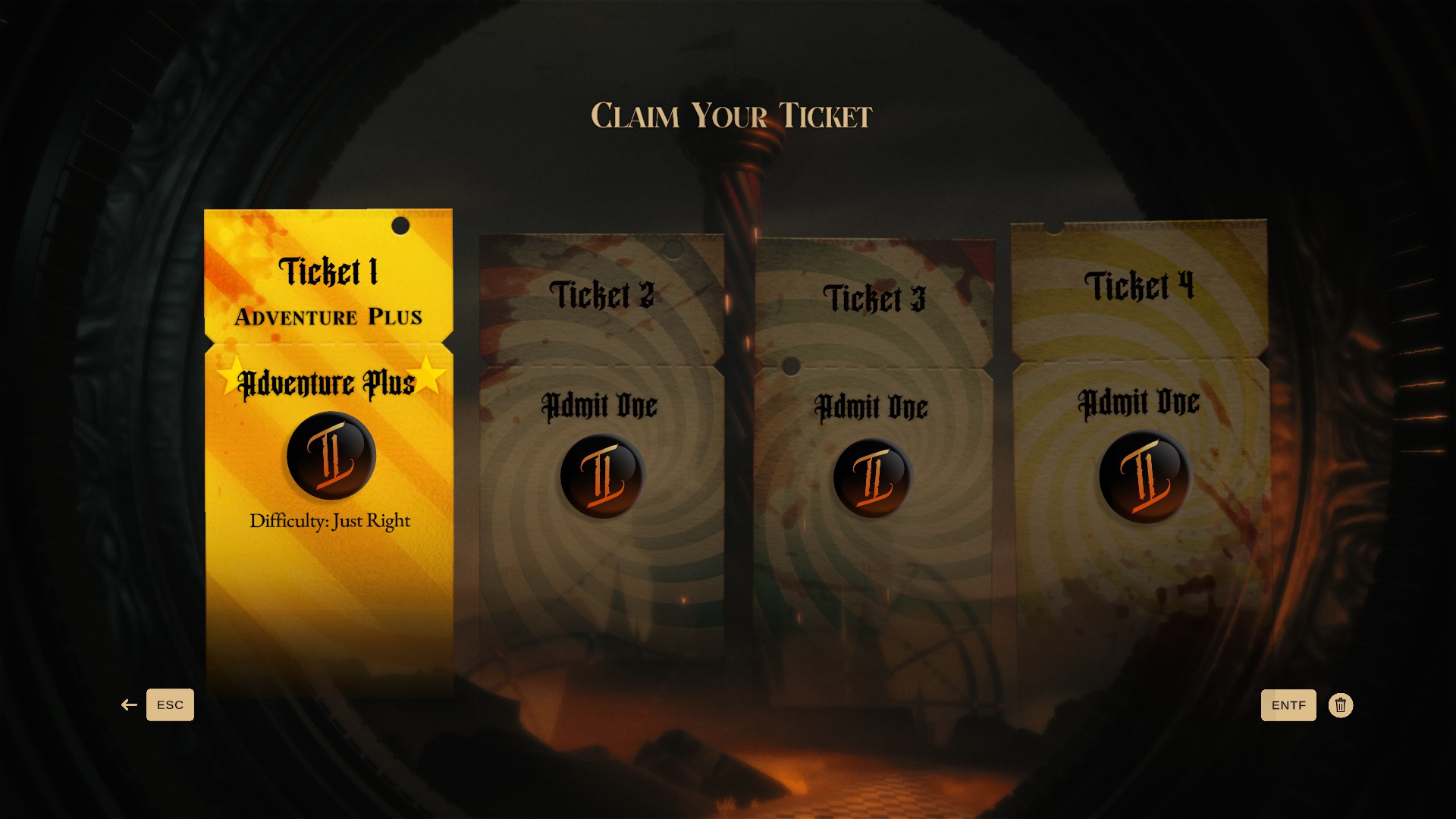
With these save files for the first-person shooter Twisted Tower, you can continue your first campaign playthrough from any point you choose. Each savegame lets you pick up where you left off while benefiting from a variety of unlocked features and upgrades.
These save files feature the following:
- all secrets discovered in a single playthrough
- all weapons fully upgraded to their maximum level
- all alternative weapon attacks unlocked
- Adventure Plus game mode unlocked
Installation steps
- Download the provided archive file
- Extract the archive using WinRAR or any other compatible extraction utility
- Copy the files from the desired savegame folder to
...\AppData\LocalLow\Atmos Games, LLC\Twisted Tower\STEAMID- Run the game as usual
- Select the first save slot
Important Notice
If the game uses a cloud save service, it must be disabled first so the game recognizes and loads locally saved files. A detailed step-by-step guide on how to disable it can be found on our website in the
Help section.
DOWNLOAD
Always create a backup copy of your own save files before using the provided save files.